CabMasterPro User Guide

The DXF contains the geometry and cutting instructions, i.e which tools to use determined by the DXF layer, for each piece of geometry (polylines for router cuts and circles for drill holes mainly). But it does not provide details on things like edging info and material name etc which are often needed on the labels.
The DXT is needed to pull everything together and is particularly important if you want labels on the parts cut. A DXT is like a batch file providing references to each DXF and also providing extra information typically needed for labels on the cut parts. One DXF cuts one part.
When parts are created directly (e.g. DXFs from AutoCAD) there is no DXT. GigaDXF lets you multi select and load a group of DXF's and then create a DXT. If you have multiple little jobs you can also load them (load several DXTs) and append to make one bigger job and save one DXT for that.
Imports DXF files by using the browse dialog made available after pressing the command, as shown.
Example of files exported from CabMaster
In CabMasterPro, two jobs were created and exported [F8].

You can select as many files and as many jobs as required.


Clicking on this button, exports the DXT file for EzyNest.
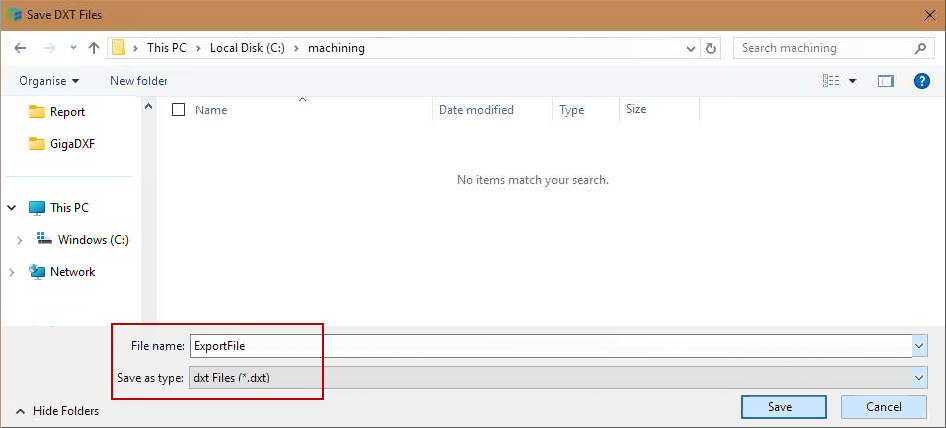
This opens a Browse dialog, from where you can type the file name required. Pressing 'Save' will export the file.
Browse to Save DXT Files